

Wide Establishing Shot
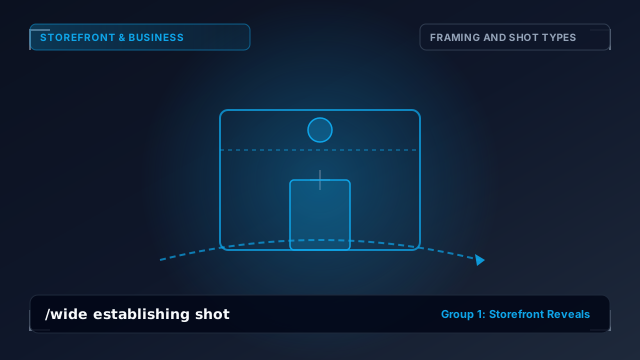
/wide establishing shotShows the surrounding location before making the business the visual focus.
Full Copy-Ready Prompt
/wide establishing shot. Use the uploaded reference image as the authoritative visual source. Preserve the exact storefront/interior/product architecture, brand signage, logo appearance, major colors, proportions and environment. Camera / Action: Shows the surrounding location before making the business the visual focus. [MOTION SPEED - e.g. smooth steady glide] [CAMERA INTENSITY - e.g. subtle cinematic drift]. Maintain natural real-world perspective, realistic depth, believable physical motion, stable architecture and coherent lighting. Do not warp the storefront. Do not change the business logo. Do not hallucinate unrelated signage. Do not randomly modify doors, windows or architecture. Do not generate unreadable brand text. Do not introduce unnecessary people unless the selected effect specifically requires people. No visual flicker, melting geometry, duplicated objects or unstable perspective. Output: Cinematic professional business advertisement footage.